
500+ Panel Collection: Laser Cut CNC Files
Over 500 ready-to-cut CNC panel designs, free to download.
 Download Free
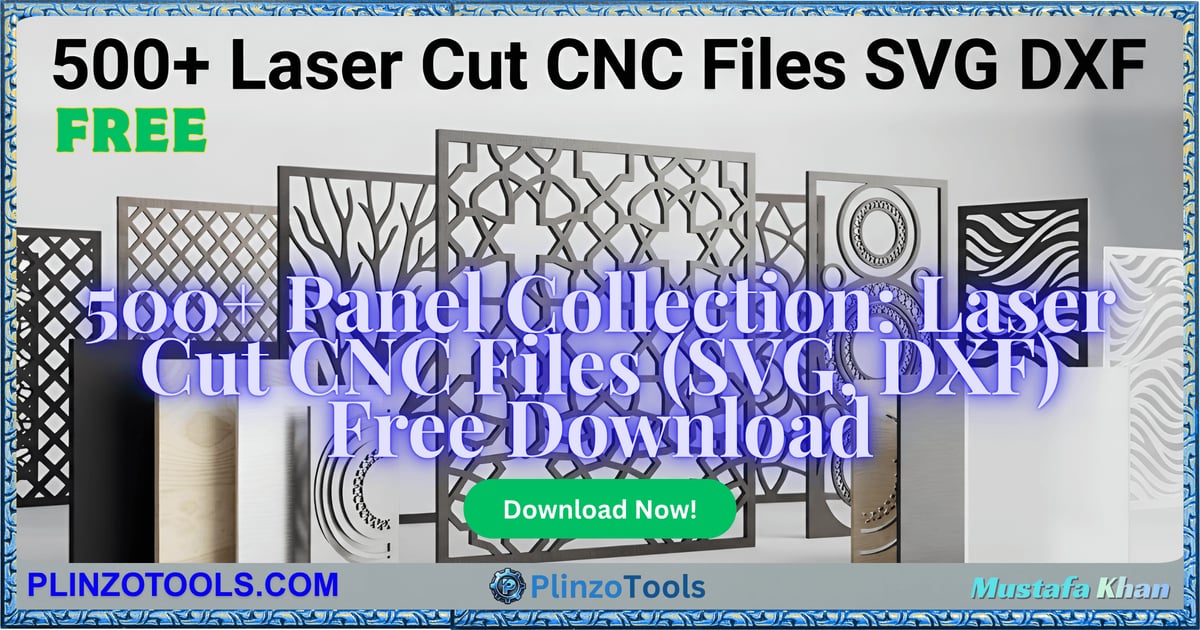
A collection of 500+ laser-cut CNC panel patterns, ready to import into your CNC or laser-cutting software.
How the Download Works
Every bundle on Plinzo Tools is hosted on Google Drive, not on this site. Click Download Free above and you land on a short preparation page with a countdown of a few seconds. When it finishes, a download button appears that opens the Google Drive folder for this bundle. From there you can download the whole folder or only the files you need.
You do not need an account on Plinzo Tools. Google Drive may ask you to sign in to a Google account for very large downloads; that is a Drive rule, not ours.
What You Need to Use These Files
Panel patterns for laser cutters and CNC routers are vector cutting paths. You import them into your machine's own software or a design program that can export the format your machine expects. Common cutting formats are SVG and DXF; check the file type of the design you want and confirm your software can open it.
Before You Cut Anything
- Scale the design to your material size, and check the cut and engrave line colors match what your software treats as cut versus engrave.
- Measure your actual material thickness and kerf (the width of the cut) and adjust slot and tab sizes if the design has interlocking parts.
- Do a test cut on scrap material first, especially with a new material or a new machine.
- Use the correct speed and power settings for your machine and material; these vary widely and are not part of the design file.
Check the License Before You Use the Files
Free to download does not always mean free to use for every purpose. Bundles like this often collect files from many different creators, and individual items can carry different terms. Before using anything in client work, in a product you sell, or in advertising, look for a license or readme file inside the folder, and if there is none, treat the files as personal-use only until you have confirmed otherwise. If you are the rights holder of a file and want it removed, contact us at contact@plinzotools.com.
Frequently Asked Questions
Which machines can use these files?
Any laser cutter or CNC router whose software can import the file format of the design. The files are cutting paths, so you set material, speed and power in your own software.
Do I have to resize the designs?
Usually yes. Scale each design to fit your material and check that dimensions still make sense after scaling, particularly for parts that slot together.
Can I sell things I make from these designs?
Confirm the license for each design first. Look for license or readme files in the download folder and, when in doubt, ask the original creator.